


The short answer
If Lightspeed runs your tills well and your team relies on its reporting, keep it in store and connect it to a Shopify website. If you want one system for products, stock and customers across the showroom and the website, move everything to Shopify, including point of sale. If you’re not sure, move the website first and the tills later.
Whichever route you choose, the single most important decision is which system owns which data. Get that right and the integration is quiet. Get it wrong and the POS can quietly overwrite the work that makes your website rank.
This guide is written for showroom retailers, particularly in hi-fi and home cinema, where much of the revenue still closes in a listening room and stock is often a single demo unit and a few boxed units. In that world, an inaccurate stock figure or a till that can’t see a customer’s online history costs real sales, so the systems decision matters more than it would for a pure online store.
Which Lightspeed you’re on
“Lightspeed” covers several products, and the options depend on which you use:
- Lightspeed Retail (R-Series) and Lightspeed Retail POS (X-Series) are point-of-sale and inventory systems for in-store retail. Your Lightspeed dashboard shows which series you’re on.
- Lightspeed eCom is Lightspeed’s own online store product, often used alongside its POS.
Third-party connectors exist that sync Shopify with both R-Series and X-Series, covering products, stock, orders and customers. If you’re on Lightspeed eCom, moving to Shopify online is a website migration, and the POS question sits alongside it.
Your three options
Keep Lightspeed POS
Website on ShopifyLightspeed stays in store; a connector syncs stock, orders and customers with a Shopify website. Least change for staff.
Move it all to Shopify
One systemShopify runs the website and the tills. One catalogue, one stock count, one customer record, no connector.
Phased
Website first, tills laterLaunch the Shopify website connected to Lightspeed, then move the tills once the website has settled.
For most single-showroom AV retailers, moving everything to Shopify is the cleanest long-term setup. But keeping Lightspeed, or phasing the move, is often the right call in the short term, especially if the website is the urgent problem.
The options side by side
| Keep Lightspeed POS | Move it all to Shopify | Phased | |
|---|---|---|---|
| Systems to run | Two, plus a connector | One | Two, then one |
| Staff retraining | None at the till | Some | Later, once |
| Stock accuracy | Depends on the sync | Native, real time | Sync first, then native |
| Customer view | Split across systems unless synced | Single profile online and in store | Split, then single |
| Risk at launch | Connector configuration | POS changeover in store | Lowest at each step |
| Ongoing cost | Both subscriptions plus connector | Shopify plan plus POS | Both, then Shopify only |
| Best for | Strong Lightspeed setup, urgent website | Retailers wanting one system | Retailers who want to de-risk the move |
Keeping Lightspeed POS
Keeping Lightspeed in store makes sense when:
- Your staff know it well and your in-store processes are built around it.
- Your reporting, accounting and purchasing run through it.
- You run several locations with complex stock transfers that work well today.
- The website is the urgent problem and you don’t want to change the shop floor at the same time.
The cost is running two systems and a connector, and making sure the connector is set up properly. That’s where most of the risk sits.
Want your current setup reviewed before you decide?
Book a free auditThe source of truth
When two systems share products, each piece of data needs one owner. If both can change it, they’ll eventually fight over it.
| Data | Usually owned by | Why |
|---|---|---|
| Stock levels | POS | Stock changes on the shop floor first |
| In-store price | POS | Set at the till and on shelf labels |
| Online price | Shopify or POS, by agreement | Must match what Google Shopping shows |
| Product titles and descriptions | Shopify | Written for search and buyers, not the till |
| Specifications | Shopify | Power filters, comparison and structured data |
| Images and video | Shopify | Web presentation |
| SEO fields and URLs | Shopify | Rankings depend on them staying stable |
| Customers and orders | Synced both ways | So history follows the customer |
Writing this table down and configuring the connector to match it is the most valuable hour in a Lightspeed integration project.
Where syncs go wrong
The POS overwrites web content. If the connector pushes product names and descriptions from the POS, optimised titles and descriptions are replaced with till-friendly ones every time it syncs.
Duplicate products. A product created in both systems before the link is set up can appear twice online.
Variants that don’t match. If finishes or sizes are structured differently in each system, stock attaches to the wrong item.
Price mismatches. A price changed in one system and not the other can break Google Shopping and confuse customers.
Silent failures. A sync that stops without alerting anyone lets stock drift for days.
This isn’t theoretical. At Hi-Fi Centre, an in-house POS silently overwrote product metadata every time it synced, so optimisation done on the website was undone the following day. Solving it, by consulting on a new POS that keeps stock synced without overwriting web content, was one of the reasons the store could finally rank. The full story is in the Hi-Fi Centre case study.
Moving everything to Shopify
Moving the tills as well as the website gives you one system: one catalogue, one stock count across showroom and online, one customer record and one set of reports. There’s no connector to configure, monitor or pay for.
For a hi-fi showroom, that means a customer who browses online and buys in the listening room appears as one customer with one history. Stock sold in the showroom disappears from the website immediately. Orders taken in store for delivery or installation flow through the same system as online orders.
The work is in the changeover: checking hardware compatibility, setting up locations and staff, training, and choosing a quiet week to switch. Running both systems in parallel briefly before cutting over keeps it low-risk.
The phased route
Phasing is often the best of both. The website moves to Shopify first, connected to Lightspeed so stock and orders stay in sync. Once the new store has settled, usually after a trading season, the tills move to Shopify POS and the connector is retired.
The key is setting up the connector from the start with Shopify owning web content, so retiring it later is simple. It also means only one big change at a time for your team, which is often the deciding factor for a busy showroom.
Questions to ask about any connector
If you keep Lightspeed and connect it to Shopify, the connector becomes part of your business. Before choosing one, ask:
- Which data does it sync, and in which direction for each field?
- Can I stop it overwriting titles, descriptions and SEO fields? This one matters most.
- How often does it sync stock? Near real time, or on a schedule?
- How does it handle variants, and what happens if they’re structured differently in each system?
- Does it support multiple locations and show stock per showroom?
- What happens when a sync fails? Who is alerted, and how quickly?
- What does it cost as you grow, by orders, products or locations?
- How easy is it to retire if you later move the tills to Shopify?
Changing over in store
If you move the tills to Shopify POS, the changeover is a people project as much as a technical one:
- Pick a quiet week. Never in the run-up to Black Friday or Christmas.
- Check hardware early. Card readers usually need replacing; printers, scanners and cash drawers may be reusable.
- Set up locations, staff and permissions before anyone touches a till.
- Train with real scenarios: a deposit on a system, a part-exchange, an installation booking, a return.
- Run both systems briefly in parallel so staff can fall back if needed.
- Reconcile stock at the switch, so the first day starts from an accurate count.
Done this way, most teams are comfortable within days, and the benefit of one system is felt within the first month.
Leaving Lightspeed eCom
If your website runs on Lightspeed eCom, moving it to Shopify is a full website migration. Products, customers, orders and content move across, every old URL is mapped and redirected, and the catalogue is restructured so specifications can power filters and comparison.
Many Lightspeed eCom stores run on older templates, so the move is also the moment to replace a dated design with a custom theme built around how AV buyers shop. Our guides to choosing a Shopify migration agency and Shopify migration cost cover the rest.
What the showroom needs
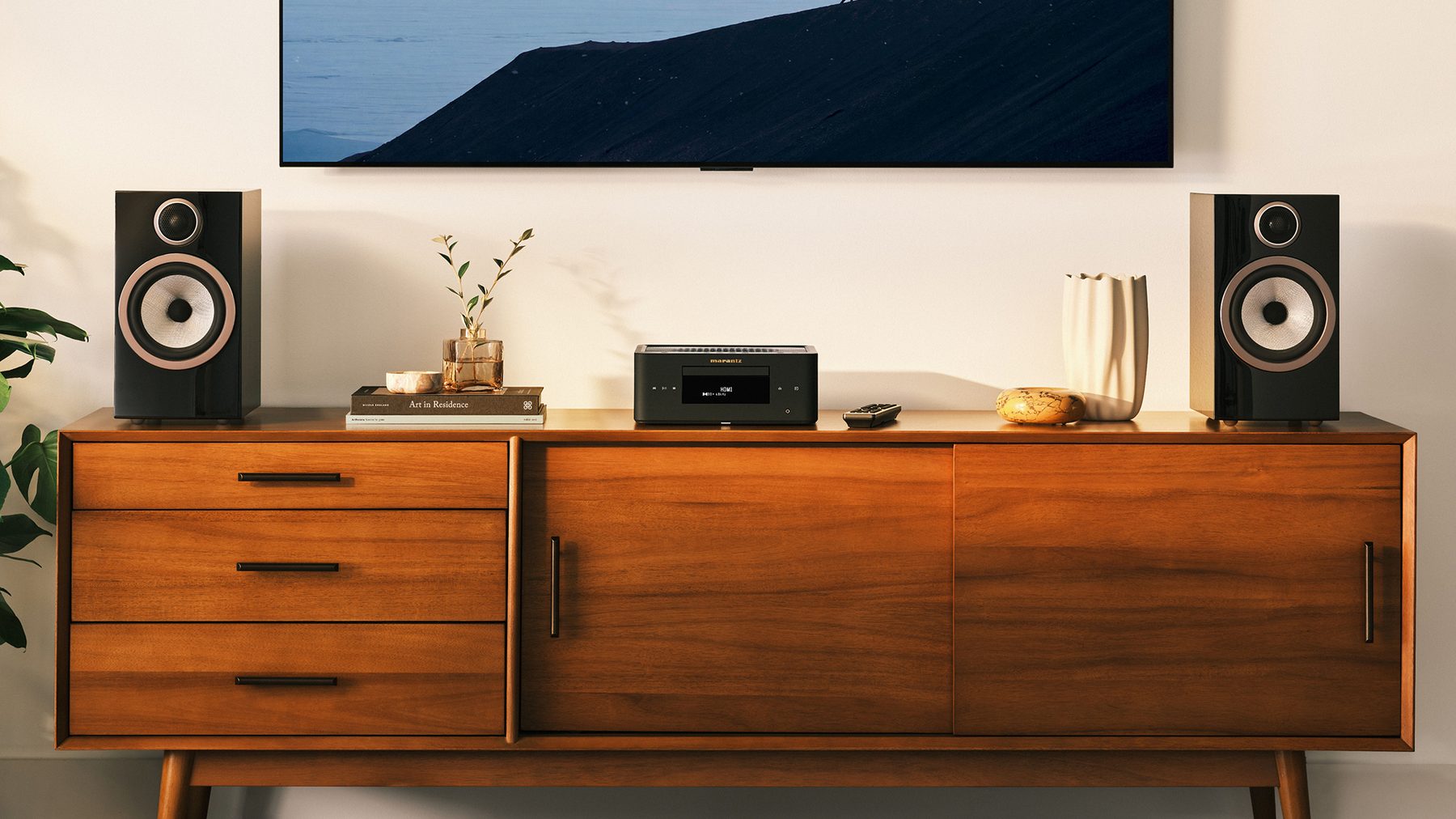
Whichever route you choose, the showroom should get these from the website and the tills working together:
- Stock by location online, so customers can see what’s on display and in stock before they visit.
- Demo booking from the product page, tied to the products on display.
- One customer view, so staff can see what a customer browsed or bought online.
- Orders taken in store for delivery and installation, tracked like any other order.
- Accurate prices everywhere, on the shelf, the website and Google Shopping.
Our page on Shopify website design for hi-fi and AV retailers shows how we build stores around showroom sales.
Reporting across showroom and online
Whichever route you choose, you need to see the whole business in one place. With two systems, that usually means combining Lightspeed’s in-store reports with Shopify’s online reports, either by hand or through a reporting tool. With everything on Shopify, in-store and online sales sit in the same reports by default.
For marketing, this matters more than it first appears. Many AV customers research online and buy in the showroom. If in-store sales can’t be connected to online behaviour, the website and its advertising look less effective than they really are. That’s one reason we measure marketing against total store revenue rather than platform-reported figures.
What it costs
With KA Consultancy, the website build including migration starts from $9,997 for a custom theme and from $19,997 for bespoke design and development. The POS route affects where you land: a straightforward connector setup sits comfortably in the custom theme route, while complex multi-location integrations or custom sync logic move towards bespoke.
Ongoing costs differ by route. Keeping Lightspeed means paying for Lightspeed, Shopify and a connector. Moving everything means paying for Shopify and its POS add-on where you need it. Our Shopify website cost guide covers Shopify’s plans and fees.
How to decide
- Is the website the urgent problem? Move it first; decide on the tills later.
- Do your staff and processes depend on Lightspeed? Keep it, at least for now.
- Do you want one customer view across showroom and online? Plan to move everything.
- Are you on Lightspeed eCom with an old template? The website move is due either way.
- Do you have several locations with complex transfers? Test Shopify POS on one location first.
Get a recommendation for your setup.
Book a free auditHow we run it
- AuditYour Lightspeed setup, catalogue, website, rankings and showroom processes reviewed. A recommended route, with fixed scope, fee and date in writing.
- Data ownershipThe source-of-truth table agreed, so every field has one owner.
- Catalogue and buildProducts restructured and a custom theme built in preview, with stock by location and demo booking where needed.
- Integration or POS setupEither the connector configured to match the ownership table, or Shopify POS set up with locations, staff and hardware.
- Launch and monitorWebsite launched with redirects; syncs and stock watched daily, with 30 days of fixes included.
Lightspeed to Shopify: FAQ
Sources
Lightspeed product names (Retail R-Series and X-Series, and Lightspeed eCom) and the availability of third-party Shopify connectors are from Lightspeed and integration providers’ published documentation at the time of writing. Shopify POS details are from Shopify’s published information; check shopify.com/pos for current pricing. KA Consultancy prices and timelines are as published on our Shopify website design page. The POS example is from the Hi-Fi Centre case study. Search interest from Google Keyword Planner, September 2025 to August 2026.